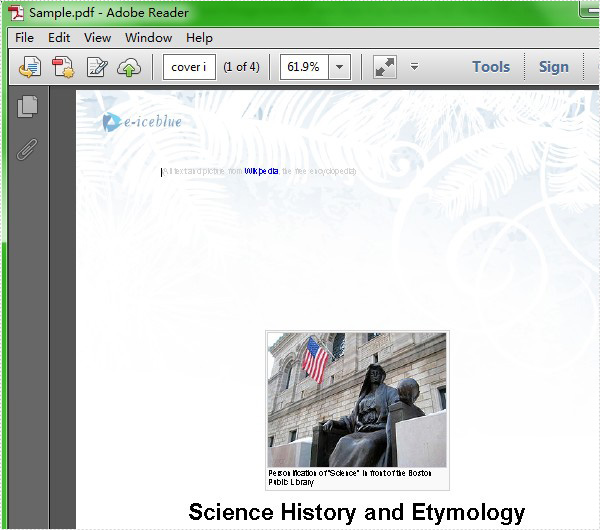
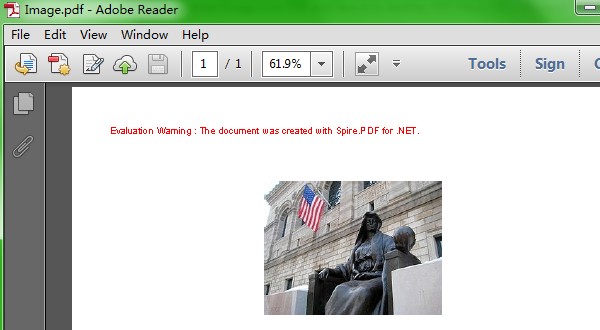
Extracting image from PDF is not a complex operation, but sometimes we need to save the image to new PDF file. So the article describes the simple c# code to extract image from PDF and save it to new PDF file through a professional PDF .NET library Spire.PDF.
First we need to complete the preparatory work before the procedure:
- Download the Spire.PDF and install it on your machine.
- Add the Spire.PDF.dll files as reference.
- Open bin folder and select the three dll files under .NET 4.0.
- Right click property and select properties in its menu.
- Set the target framework as .NET 4.
- Add Spire.PDF as namespace.
Here is the whole code:
[C#]
static void Main(string[] args)
        {
            PdfDocument doc = new PdfDocument();
            doc.LoadFromFile(@"..\..\Sample.pdf");
            // Get the first page of the document
            PdfPageBase page = doc.Pages[0];

            // Create an instance of PdfImageHelper to work with images
            PdfImageHelper imageHelper = new PdfImageHelper();

            // Get information about the images on the page
            PdfImageInfo[] imageInfos = imageHelper.GetImagesInfo(page);

            // Extract images from the page
            int index = 0;
            foreach (PdfImageInfo info in imageInfos)
            {
                // Save each image as a PNG file with a unique name
                info.Image.Save(string.Format("Image-{0}.png", index));
                index++;
            }
            PdfImage image2 = PdfImage.FromFile(@"image-0.png");
            PdfDocument doc2 = new PdfDocument();
            PdfPageBase page2 = doc2.Pages.Add();
            float width = image2.Width * 0.75f;
            float height = image2.Height * 0.75f;
            float x = (page.Canvas.ClientSize.Width - width) / 2;
            page.Canvas.DrawImage(image2, x, 60, width, height);
            doc2.SaveToFile(@"..\..\Image.pdf");
        }
Here comes to the preview of the effect picture: