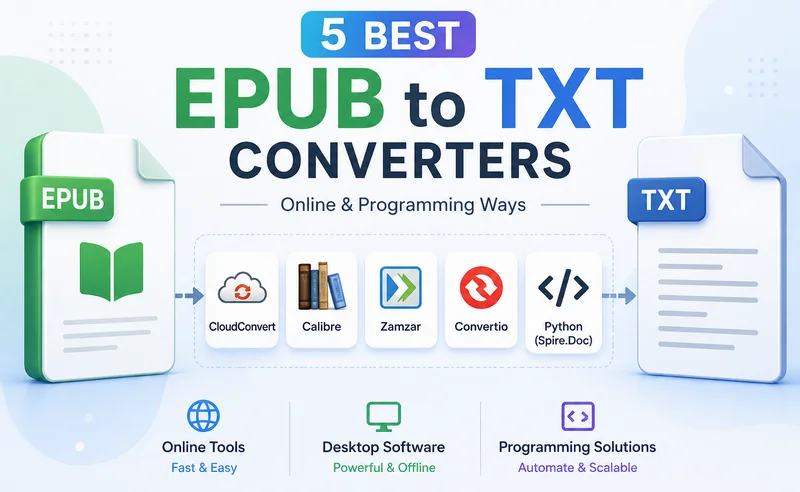
While EPUB is widely used for e-books, it can become inconvenient when you need raw text for tasks like content analysis or AI processing or use on lightweight devices that do not support complex formatting. In these cases, using a reliable EPUB to TXT converter allows you to extract clean, readable content without effort. This guide explores the most efficient tools available in 2026 to help you convert EPUB to a text file with ease.
- Best Online EPUB to TXT Converters
- Desktop & Programming EPUB to TXT Converters
- Quick Comparison
- FAQs
Best Online EPUB to TXT Converters (No Installation)
Online EPUB to TXT converters are the quickest solution when you have a few files and need immediate results without software overhead. Since these tools run directly in your browser, they work across almost any device with no hardware restrictions. Most tools follow a simple upload–convert–download workflow, making them ideal for quick conversions.
In this section, we will introduce three widely used online converters: CloudConvert, Zamzar, and Convertio, each offering unique features to help you handle EPUB-to-text conversion effortlessly.
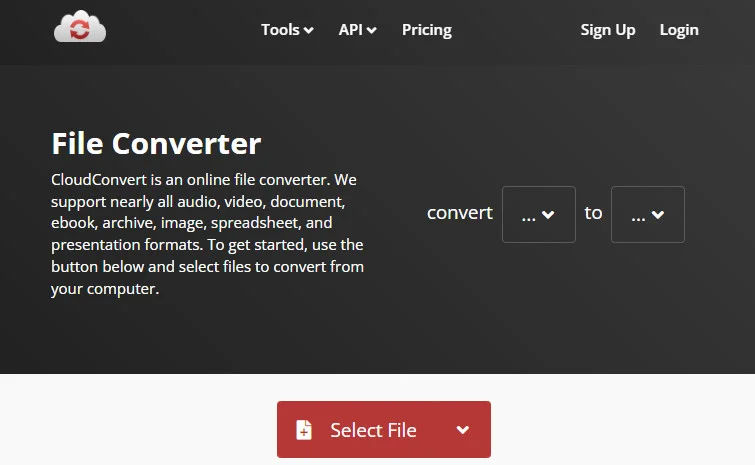
CloudConvert — The Versatile Toolkit
CloudConvert has built a reputation as a highly secure cloud platform that handles over 200 formats. It integrates perfectly with professional workflows by allowing direct imports from Google Drive, Dropbox, and OneDrive. Moreover, the engine's ability to preserve the original flow of the book is better than basic tools.
Advantages:
- Offers advanced security with ISO 27001 certification.
- Allows users to customize text encoding and line endings.
- Provides a clean, ad-free interface that is easy to navigate.
Disadvantages:
- The free tier limits you to 25 conversion minutes per day.
- Performance can throttle during peak hours for non-premium users.
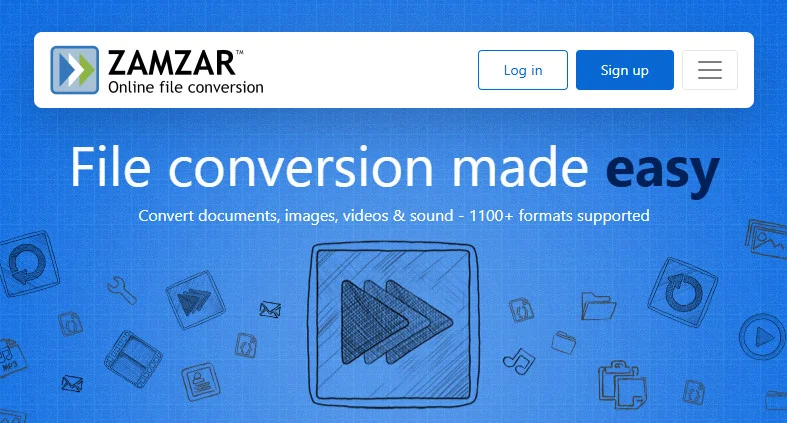
Zamzar — The One-Click Converter
Zamzar is the go-to EPUB to TXT file converter for users who value simplicity above all else. It is designed for simplicity and efficiency, removing complex settings that might confuse users. It is commonly used by many people who need to change an EPUB to a .txt document quickly.
Advantages:
- No account registration is required for basic use.
- The "email when done" feature is great for larger files.
- Supports an incredibly wide range of traditional file formats.
Disadvantages:
- Free users cannot perform bulk conversions simultaneously.
- Conversion speed is slower compared to other cloud competitors.
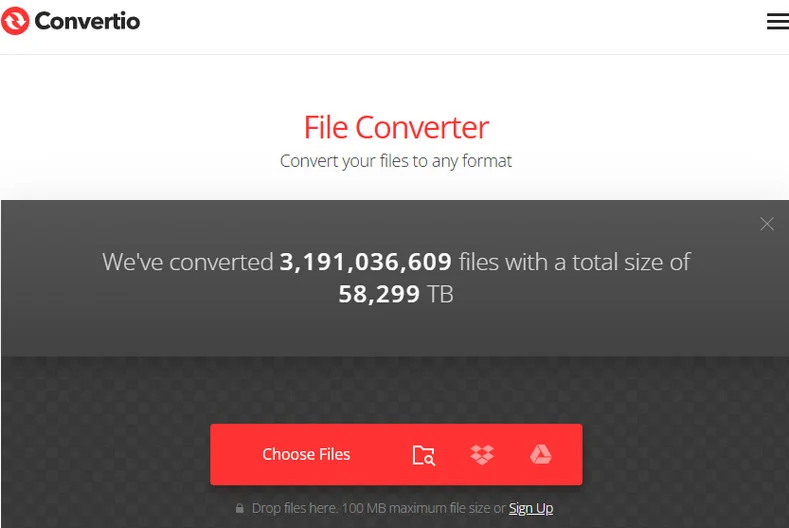
Convertio — Best for Mobile Users
If you are using a mobile device, Convertio provides the most responsive experience as an online EPUB-to-TXT converter. It utilizes a distributed conversion architecture, which ensures that your browser doesn't hang while waiting for a file. It also features powerful OCR capabilities for scanned documents.
Advantages:
- Highly optimized for mobile browsers and touch interfaces.
- Offers a batch upload feature for multiple small files.
- Integrated Chrome extension for even faster access.
Disadvantages:
- Strict 100MB file size limit for free accounts.
- The OCR feature is pay-to-use.
Note: Converting EPUB to TXT removes formatting such as headings, styles, and images, leaving only plain text content. If you need to preserve this formatting, you may want to convert EPUB to PDF instead. See this guide: How to Convert EPUB to PDF (Fast & Easy Guide)
Desktop & Programming EPUB to TXT Converters
For those handling hundreds of files or sensitive data, offline and automated methods are better. Unlike online tools, these solutions allow you to convert EPUB to TXT format locally, ensuring your documents are safe while offering superior batch-processing capabilities.
Calibre — The Professional E-books Tool
Calibre is considered the world's most popular open-source e-book manager. It is a desktop application that lets you manage your entire library while providing a robust engine to convert EPUB to TXT format locally.
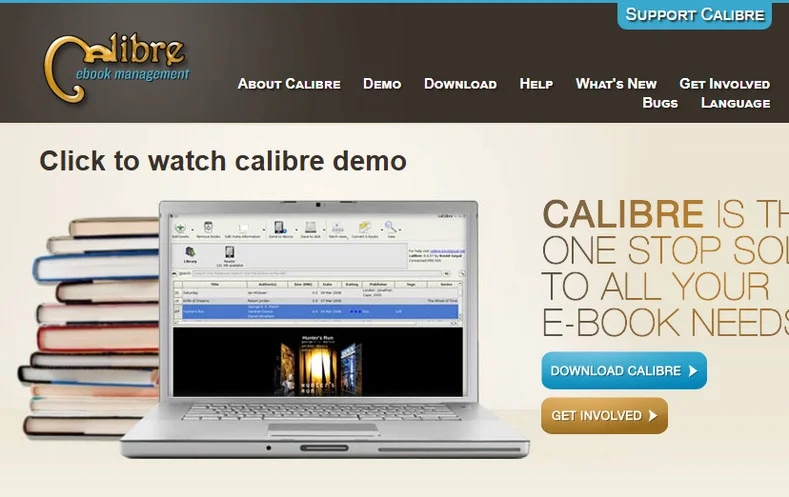
How to convert with Calibre:
- Step 1. Click Add books to import your EPUB files into the library.
- Step 2. Select your book and click the Convert books icon in the top menu.
- Step 3. Change the output format in the top right corner to TXT.
- Step 4. Click OK and wait for the Jobs counter to finish.
Advantages:
- Completely free and works offline.
- Supports advanced search & replace during the conversion process.
Disadvantages:
- The interface is quite cluttered.
- It is heavy on system resources compared to lightweight scripts and online EPUB to TXT converters.
Free Spire.Doc — Batch Conversion for Developers
For developers, Free Spire.Doc for Python library is a great choice. While it is primarily designed for Word document processing, it also supports loading EPUB files and exporting them as plain text.
How the code works:
Converting formats with Free Spire.Doc is straightforward. First, you create a Document object, then load your EPUB file, and finally use the SaveToFile() method to transform and save it as a new text file. If you also need to handle other document conversions, such as converting Word documents to text, this library is also helpful.
from spire.doc import *
from spire.doc.common import *

# Specify the input and output file path
inputFile = "/input/sample.epub"
outputFile = "/output/ToText.txt"

# Create a Document object
doc = Document()

# Load an EPUB file
doc.LoadFromFile(inputFile)

# Save the document as Text
doc.SaveToFile(outputFile, FileFormat.Txt)
doc.Close()
Advantages:
- Can be easily integrated into automated server-side pipelines.
- No data leakage issues, ensuring 100% privacy.
Disadvantages:
- Requires a Python environment to be set up on your computer.
- Basic coding skills are required.
Also Read: Convert TXT to Word: 4 Easy & Free Methods
Quick Comparison: Which Converter Should You Choose?
| Method | Speed | Privacy | Bulk Processing | Best For |
|---|---|---|---|---|
| Online Tools | Instant | Medium | Limited | One-off, small files |
| Desktop (Calibre) | Fast | High | Strong | Personal book collections |
| Programming | Script-based | Highest | Unlimited | Developers & Automation |
Summary
Choosing the perfect EPUB to TXT converter depends on your current needs. If you have a single file and need it converted in seconds, CloudConvert or Convertio are your best choices for a hassle-free experience. For readers who want to convert a personal library while maintaining privacy, Calibre is better for offline management. Finally, for businesses or developers looking for a scalable, secure way to convert EPUB to a text file, Free Spire.Doc offers the most professional and customizable solution.
FAQs about EPUB to TXT Converters
Q1: How can I convert EPUB to TXT for free?
A: You can use free online tools like CloudConvert or Convertio for quick conversions. For offline use, Calibre is a reliable free option that supports batch processing.
Q2: Can I convert EPUB to TXT on mobile or Android?
A: Yes. Online converters work directly in mobile browsers, making them the easiest option on Android or iOS.
Q3: Will I lose formatting when converting EPUB to TXT?
A: Yes. TXT files only contain plain text, so formatting such as images, headings, and styles will be removed. If you need to preserve layout, consider converting EPUB to PDF or Word instead.